
User manual · Objects & Properties
MIDI Channel Pressure
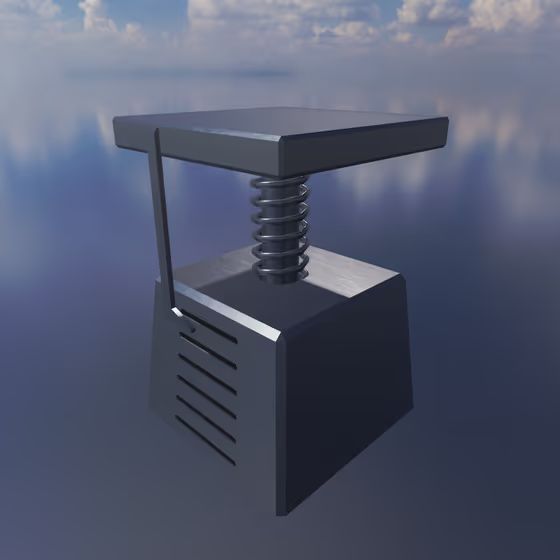
The MIDI Channel Pressure input uses a MIDI channel pressure signal to modulate parameters for each entity that is connected to it via a Modulator Link. In the Object Palette and the Mode menu it is called Pressure.
It responds to pressure on any MIDI channel. An ordinary keyboard's channel pressure (aftertouch) reaches every note. An MPE controller sends pressure for each note separately, and each note's pressure reaches only the voice playing that note, so the same preset is expressive on both. A preset that has a Pressure modulator uses pressure in its own way, so the Pressure controls macro 2 setting in Preferences > MPE leaves it alone.
Video tutorial · 0:34
MIDI Channel Pressure Properties#
- Mode: The specific type of behavior used for this Modulator. Each type has its own parameters and effects.
- Depth: Scales the Modulator's output before it reaches its targets. See Modulator Properties.
- Smoothing: How long it takes for the Modulator's output value to change when it is updated. Longer values will produce smoother changes with more input lag, and smaller values will produce more abrupt changes with less input lag.